|
|
|
Main
> Business
& Finance >
Spread Sheets
> Fixed Asset Accounting 2007 Bonus Pack For Excel |
 Fixed
Asset Accounting 2007 for Excel Bonus Pack. Fixed
Asset Accounting 2007 for Excel Bonus Pack.
For anyone used to working with Excel, Fixed Asset Accounting 2007 is really
easy to use and maintain. And if you are able to export fixed asset records
from your other accounting package into Excel, you can Copy > Paste your
records straight into Fixed Asset Accounting 2007 and you will be up and
running with full asset accounting in Excel.
Fixed Asset Accounting 2007 runs under Excel 97-2003 and 2007.
You allocate fixed assets to Classes and Locations in Set up. You can define
up to 25 Classes and 25 Locations and when you enter an asset into the
register you select the class and location IDÂ’s for the asset. You can
enter over 3,000 asset records, you can pull down rows to create additional
capacity if you want.
You allocate depreciation lives (months) to Asset Classes in Set up. For any
single asset you can override the given depreciation life value when the
record is entered into the Register if you wish (assets in the same class
can have differing depreciation months).
You can set salvage percentage values for each asset when each record enters
the register.
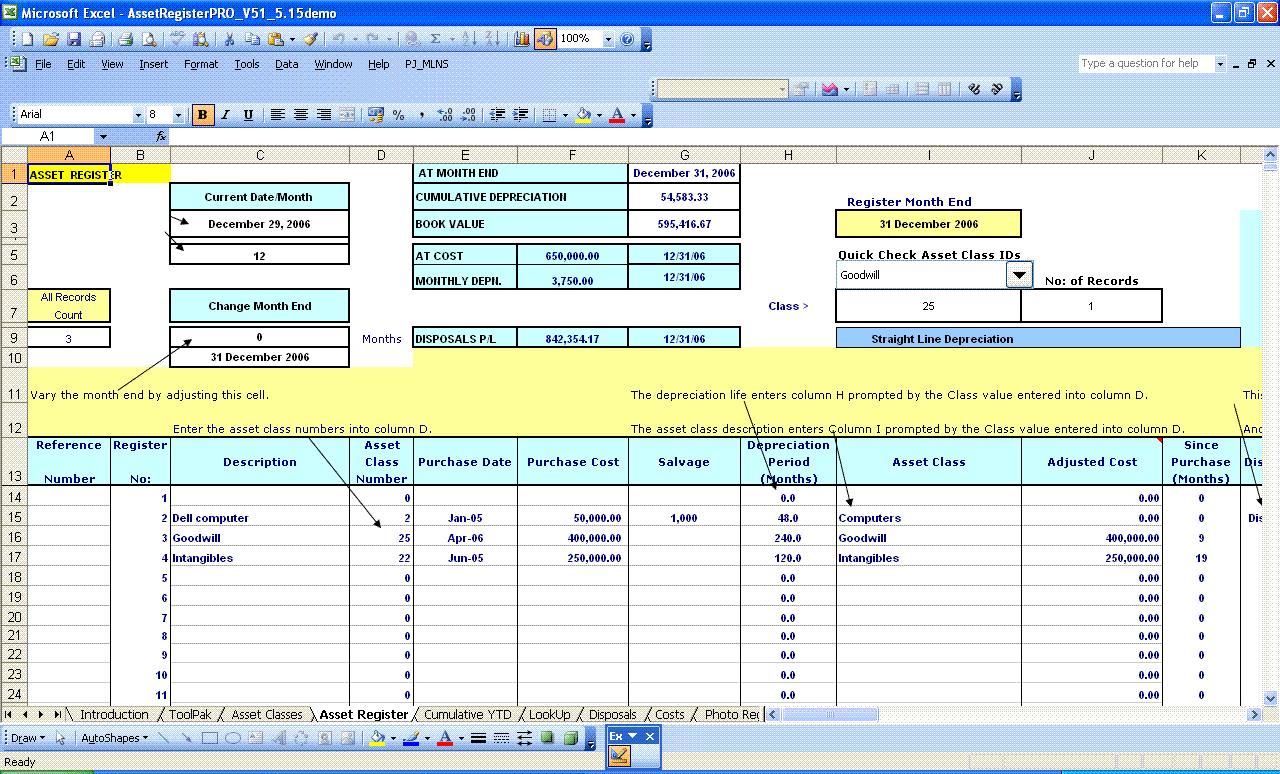
The software defaults (and automatically resets) to the current month end
and calculates monthly and cumulative depreciation plus book values for each
asset and totals for every Class and Location. You can switch month end date
to any month end to recalculate all values and totals. Excel makes switching
month end dates really easy.
You can switch depreciation calculations between straight line, double
declining balances, or reducing balances by using the drop down selector in
the Register.
To account for disposals, enter the disposal value and the disposal date
into the Register. Gains/losses on disposals enter into the Register and you
can look up gains/losses for each asset in the Lookup page as well.
You can enter a Serial number for each asset into the Register.
You can filter the register to look up any group sorted data (for example
list all assets purchased in 2006, list all assets in a specific location,
list all assets in a class, and more).
The Sort Totals report displays monthly and cumulative depreciation and book
values for each class and each location for the month end you have set.
Asset costs and expenses are allocated to departments, cost centers or
activities.
The download zip file contains four files. The demo file shows you how
everything works, plus the complete Fixed Asset accounting 2007 file plus a
bonus Monthly Budgeting 2007 and demo workbooks for Excel. |
|
Buy
Now |
|
System
Requirements:
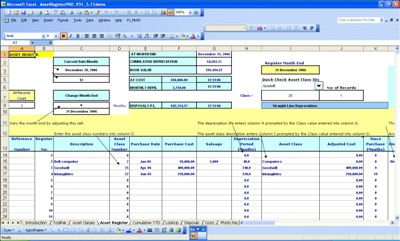
Fixed Asset Accounting 2007 Bonus Pack For Excel
screenshot:
|
|
|